PCIe Slots: The High-Speed Arteries of Your PC
If the CPU is the brain of your computer, then the PCIe (Peripheral Component Interconnect Express) slots are the high-speed highways that connect that brain to the rest of the world. Whether you’re a hardcore gamer, a video editor, or just someone who wants their PC to stop lagging, understanding these slots is crucial.
What Exactly is a PCIe Slot?
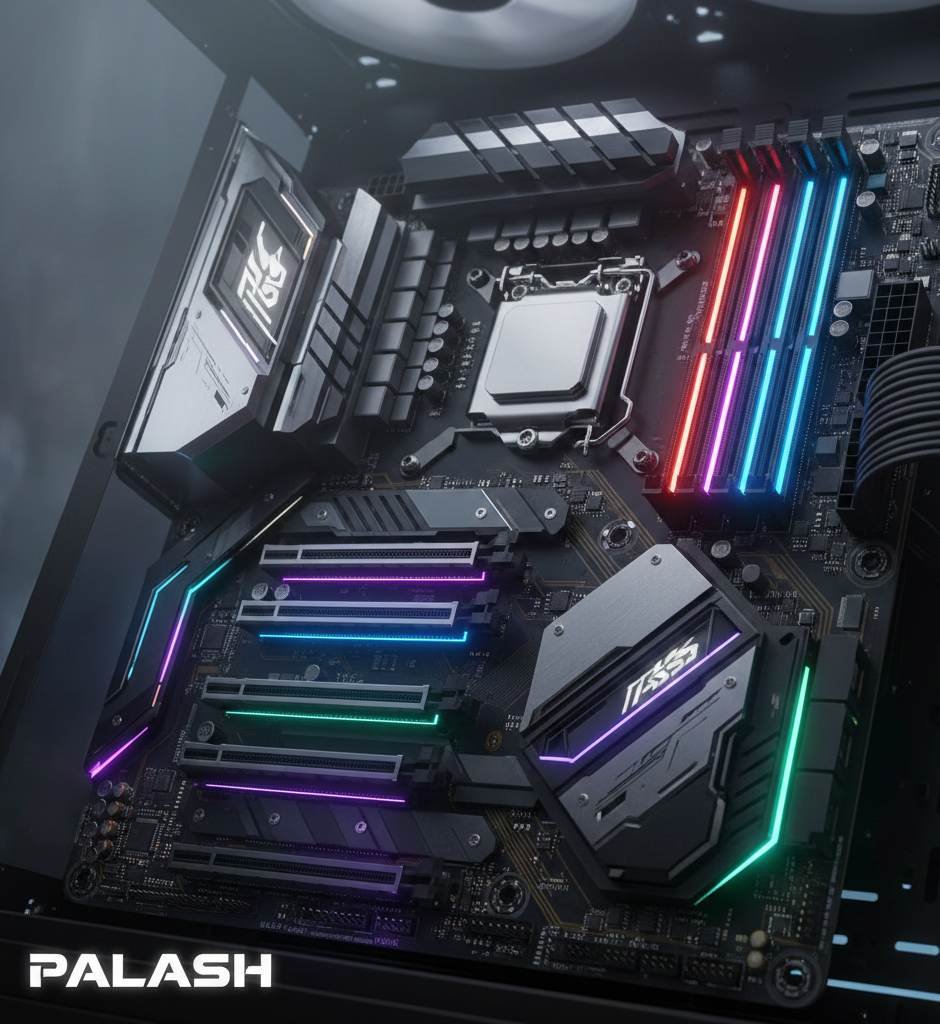
PCIe is the standard interface for connecting high-speed components to your motherboard. We’re talking about Graphics Cards (GPUs), NVMe SSDs, Sound Cards, and Wi-Fi adapters. They replaced the ancient AGP and PCI slots from the days when the internet sounded like a screaming robot.
Decoding the Sizes: x1, x4, x8, and x16
You’ve probably noticed that some slots are long and some are tiny. Here’s the “too long; didn’t read” version:
- x1: The baby of the family. Great for sound cards or simple Wi-Fi adapters.
- x4/x8: The middle children. Usually used for high-end networking cards or some SSD expansion cards.
- x16: The big boss. This is where your powerful Graphics Card lives. It provides the most bandwidth (lanes) for data to flow.
Jarvis’s Fun Fact: You can actually plug a small x1 card into a giant x16 slot, and it will work perfectly fine. It’s like driving a bicycle on a 16-lane highway—a bit overkill, but totally legal!
Generations Matter: From Gen 3 to Gen 5
Every few years, PCIe gets a “speed boost.” Each new generation doubles the bandwidth of the previous one:
| PCIe Generation | Bandwidth (per lane) |
|---|---|
| PCIe 3.0 | ~1 GB/s |
| PCIe 4.0 | ~2 GB/s |
| PCIe 5.0 | ~4 GB/s |
Which Slot Should You Use?
Always put your primary Graphics Card in the topmost PCIe x16 slot. Why? Because that slot is usually connected directly to the CPU, offering the lowest latency and the highest speed. Putting a GPU in the bottom slot is like trying to run a marathon in flip-flops—you can do it, but why would you?
Ready to upgrade your rig? Check your motherboard manual first!